过刊室 · 1 分钟
如何在WordPress RT-Theme 19 主题底部增加网站统计图标
这是一篇旧文,部分内容可能已经过时。回到过刊室 →
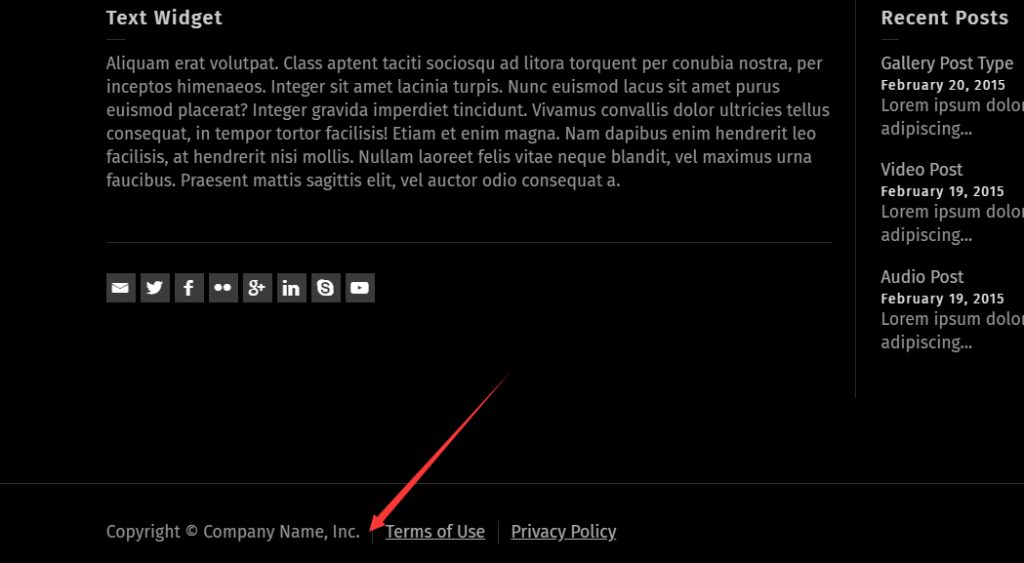
一般的网站统计在底部都会有一个图标。
WordPress RT-Theme 18 可以在底部的COPYRIGHT这里添加HTML代码,但是Wordpress RT-Theme 19取消了这个功能。
若需要增加这个功能需要修改functions.php,在版权文字后面添加代码如下:
You can put the following function to the end of your functions.php to add anything just after the copyright text;
</p>
<p>add_filter( "footer_copyright_text", function( $copyright ){<br />
ob_start();<br />
?></p>
<p>---------------- PUT YOUR CODE HERE 这里添加你都要的代码--------------------</p>
<p><?php<br />
$custom_code = ob_get_contents();<br />
ob_end_clean();<br />
return $copyright.$custom_code;<br />
}, 10, 1 );</p>
<p>